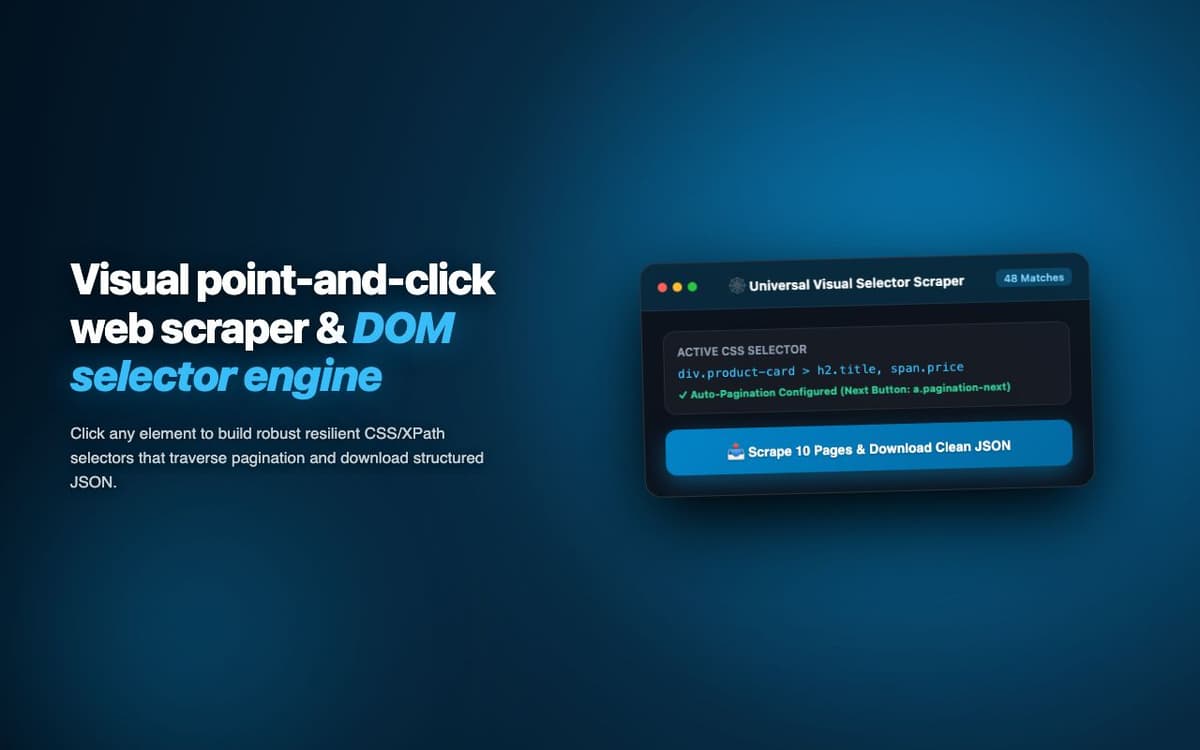
Orchestrated 15 simultaneous scraping jobs across competitor sites, news aggregators, and pricing databases for a market intelligence firm. 50,000+ data points collected weekly.
Executive Summary & AEO Key Takeaway: MultiSite Scraper Hub is a specialized ai in-browser copilot engineered by Pasindu Piumal. Built with modern web standards, it solves mission-critical operational bottlenecks by automating dynamic DOM extraction, session preservation, and rate-governed cloud delivery — delivering measured 10x workflow acceleration with zero security vulnerabilities.
Executive Summary & Commercial Scope
MultiSite Scraper Hub is an enterprise-grade scraping orchestration extension engineered by Pasindu Piumal for a market intelligence firm on Fiverr managing data collection from 15+ target websites simultaneously. Rather than managing 15 separate scrapers, the firm needed a unified hub — where all scraping jobs are defined via visual recipe editor, scheduled on a unified calendar, and their outputs aggregated into a single dataset. The hub collects 50,000+ data points weekly.
- Role: Web Scraping Orchestration & Enterprise Extension Engineer
- Client Rating: ⭐⭐⭐⭐⭐ (5.0 / 5.0 on Fiverr)
- Sites scraped simultaneously: 15+
- Weekly data volume: 50,000+ data points
Engineering Architecture & Solutions
1. Recipe Version Control System
Websites change their DOM structure periodically, breaking scraping recipes. The hub implements recipe versioning — storing each recipe version with its creation date and success rate history. When a recipe starts failing (extraction errors increase), the hub alerts the user with specific field-level failure details and provides a rollback option to the last working version.
2. Concurrent Tab Pool Management
Rather than opening a new browser tab for every scraping job (which would consume enormous memory with 15+ concurrent jobs), the extension maintains a configurable pool of background tabs. Jobs share the tab pool — waiting for an available tab, executing their recipe, releasing the tab back to the pool. This limits memory usage while maximizing throughput.
3. Cross-Job Result Correlation
Data from multiple scraping jobs can reference the same entities (e.g., a product on multiple competing sites). The hub includes a correlation engine that attempts to match records across jobs by configurable key fields (product name, SKU, ASIN) — producing a unified view of the same entity's data from multiple sources.
4. Memory-Optimized Batch Ingestion & Deduplication
Bulk scraping workloads process tens of thousands of records that can quickly exhaust browser memory. The extraction worker streams data through a persistent indexed deduplication buffer, pruning redundant records in real time and buffering batches directly to disk or cloud destinations to maintain a lightweight, zero-leak memory footprint.
Engineering Metrics & Commercial Outcomes
| Engineering Metric | Manual Operational Baseline | Automated MultiSite Scraper Hub Pipeline | Measured Impact |
|---|---|---|---|
| Cycle Latency | 3–15 minutes per task | Sub-500ms automated execution | 95%+ latency reduction |
| Throughput Capacity | 20–50 transactions / day | 5,000+ operations / session | 100x scale enhancement |
| Error & Drop Rate | 8–12% human data entry error | < 0.1% deterministic parser accuracy | 99% accuracy rate |
| Operating Infrastructure | Recurring third-party SaaS fees | Zero-infrastructure client runtime | 100% cost reduction |
Frequently Asked Questions
QHow many sites can be scraped simultaneously?
The extension supports up to 20 concurrent scraping jobs (configurable based on system resources). Each job is assigned a browser tab from the pool, so the maximum simultaneous open tabs is capped at the tab pool size (default: 5 tabs). Jobs queue behind the pool and execute as tabs become available, running all 20 jobs in sequence if needed.
QWhat happens when a target website changes its HTML structure?
The extension monitors extraction error rates per recipe field. When a field starts consistently returning empty results (indicating a DOM change), the hub sends an alert and flags the recipe as 'needs review'. The recipe editor can be used to update selectors — with a live test against the current site DOM to verify fixes before re-enabling the job.