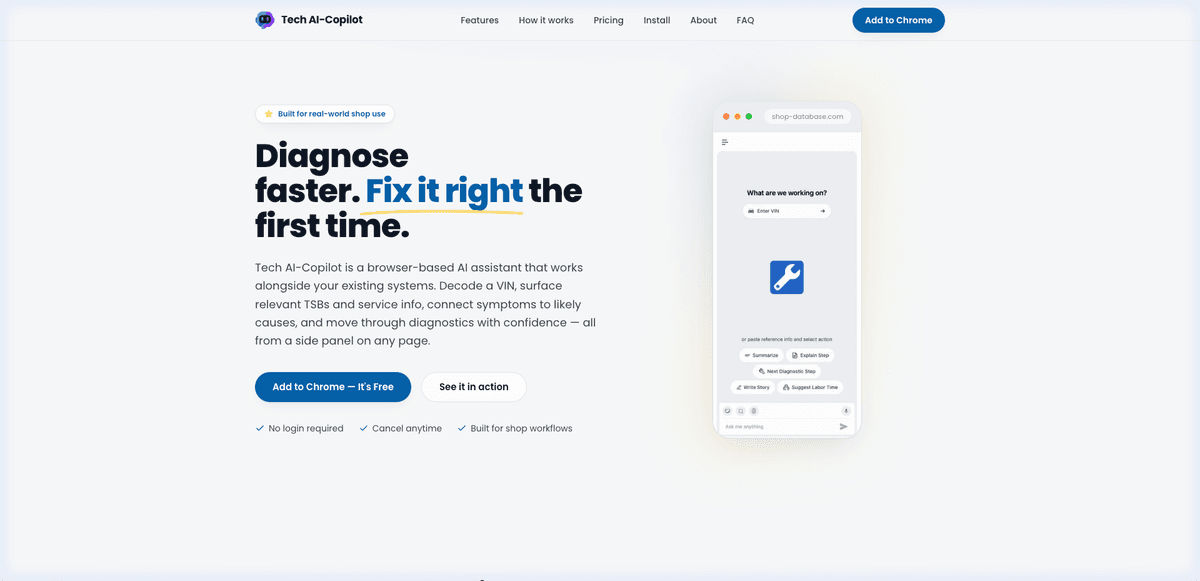
"Diagnose faster. Fix it right the first time." — Tech AI-Copilot is a browser-based AI assistant built for automotive technicians. It decodes VINs, surfaces TSBs, matches symptoms to causes, and streams step-by-step repair answers — all from a side panel on any page. Built from zero to a live, monetized Chrome Web Store product by Pasindu Piumal.
Executive Summary
Tech AI-Copilot works alongside your existing systems. Decode a VIN, surface relevant TSBs and service info, connect symptoms to likely causes, and move through diagnostics with confidence — all from a side panel on any page. No tab switching. No login required to get started.
- Status: Live on the Chrome Web Store
- Product Website: techaicopilot.com
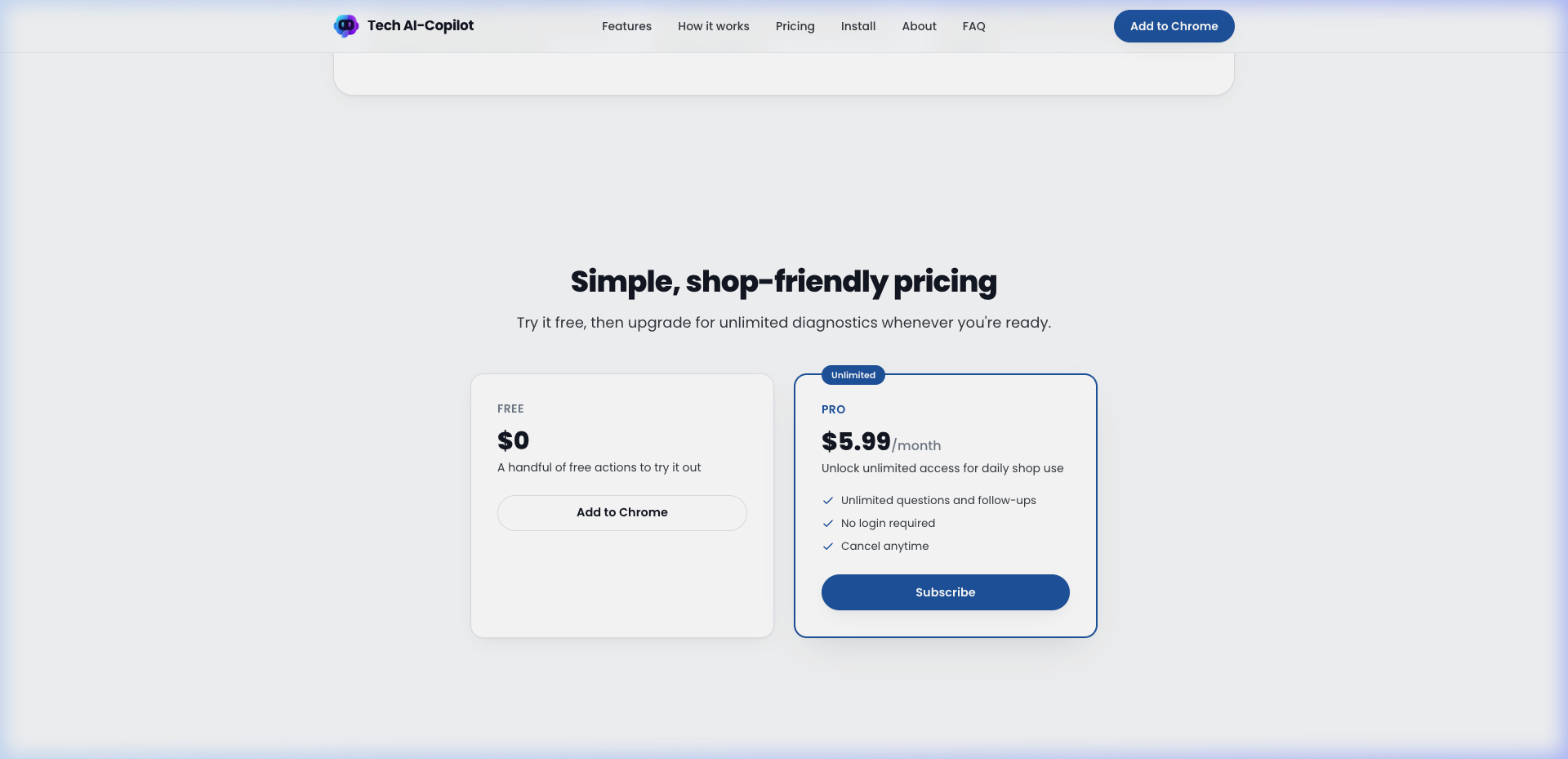
- Pricing: Free tier + $5.99/month Pro (unlimited diagnostics, cancel anytime)
- Client Rating: 5.0 ★ on Upwork over 6 paid milestones ($1,875+)
Client Testimonial
"Working with Pasindu has been one of the best decisions I've made for my startup. Tech AI-Copilot has gone from an idea to a polished product because of his technical ability, attention to detail, and willingness to tackle difficult problems. He's reliable, communicates clearly, and always works with me to find the best solution rather than the easiest one."
— Founder, Tech AI-Copilot
Real Extension UI — Screenshots
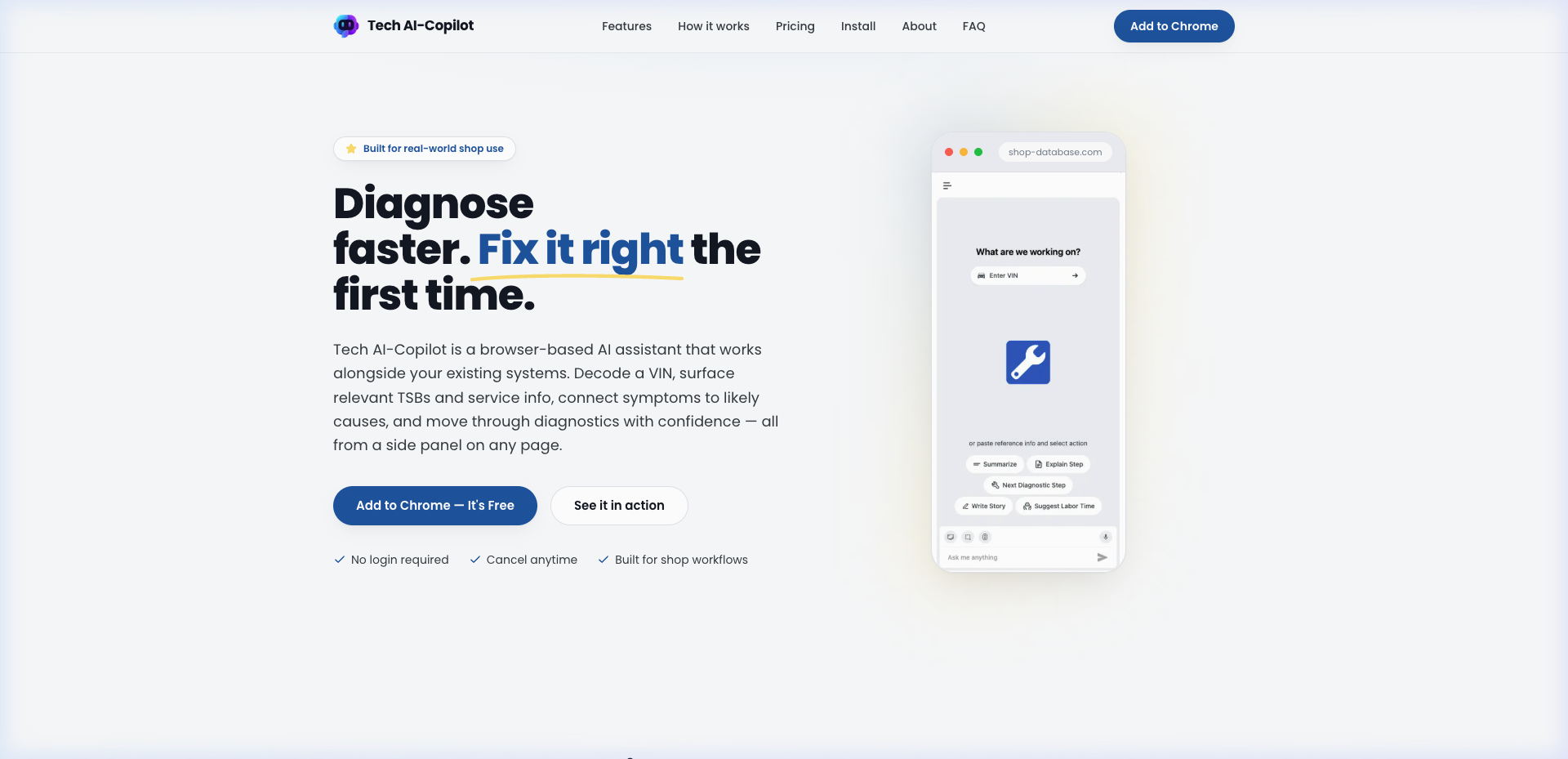
Main panel: VIN entry + 5 quick action buttons
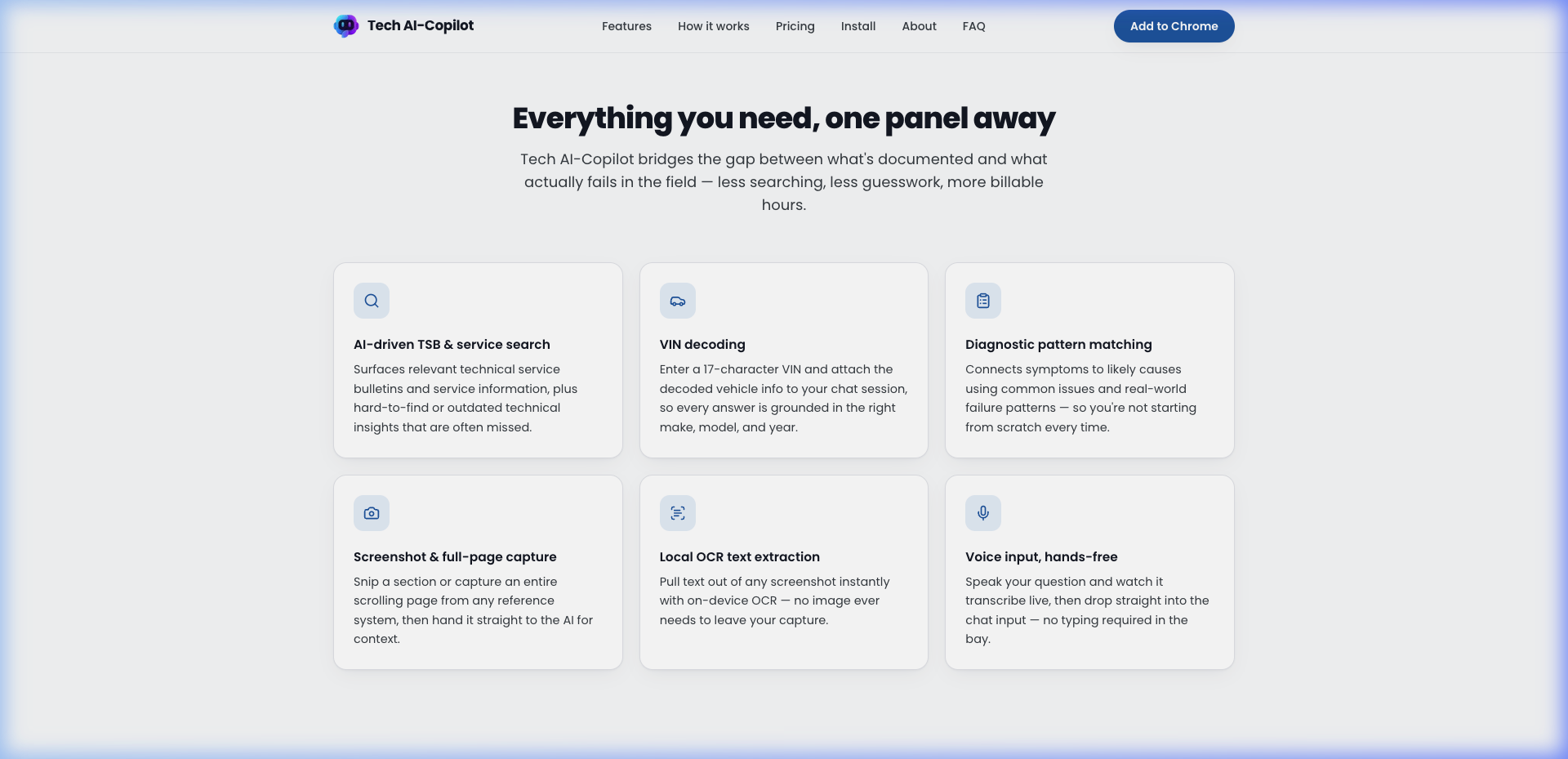
Targeted Snip: selecting a DTC index from an OEM manual
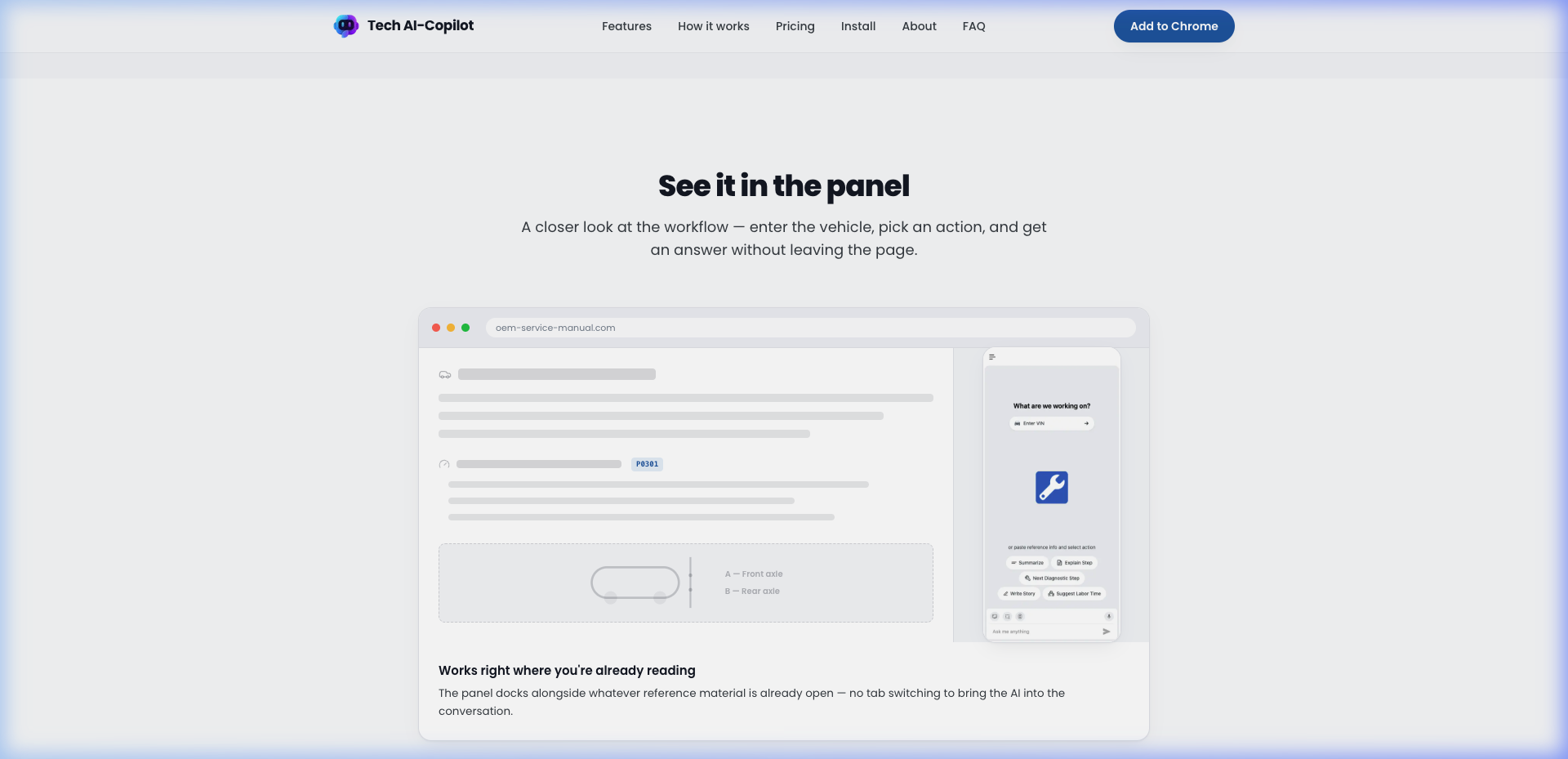
Snip & Scroll: capturing extended OEM reference content
VIN Decoding: enter a 17-char VIN, attach vehicle to session
Demo Videos — Extension in Action
Capture Method Demo
Full Screen Capture — capturing an entire OEM page into the AI chat
Targeted Snip — isolating a specific DTC table or diagnostic step
Quick Action Demos
Summarize — organizes repair tasks into labor operations
Write Story — converts diagnostic findings into an RO narrative
How It Works — Capture Methods
Two building blocks: capture the reference material you're looking at, then run a quick action to turn it into an answer, a diagnostic step, or a written-up RO.
📸 Capture Methods
| Method | When to Use |
|---|---|
| Full Screen Capture | Entire page is relevant — works best when all info is on a single screen |
| Targeted Snip Capture | Specific table, paragraph, or DTC data point — most precise option |
| Snip & Scroll | Extended content across multiple screens — ideal for multi-step procedures |
⚡ Quick Actions (One Tap)
| Action | What It Does |
|---|---|
| Summarize | Structures multiple repair tasks into organized labor operations |
| Write Story | Converts technician inputs into a clear, structured RO repair narrative |
| Next Diagnostic Step | Evaluates symptoms + DTCs to identify the most effective next action |
| Explain Step | Provides reasoning behind a recommended step — not just the what, the why |
| Suggest Labor Time | Analyzes repair task + vehicle context for a structured labor time estimate |
From Install to Answer in Under a Minute
Engineering Architecture
1. Chrome Side Panel Architecture (Manifest V3)
Built as a Chrome Side Panel extension — docks natively alongside any OEM manual, ALLDATA, Mitchell 1, or Identifix page without causing page reflows or CSS conflicts.
2. Three Capture Modes
- Full Screen: Chrome Capture API captures the full visible viewport
- Targeted Snip: Rectangle selector for precise DTC tables or spec sections
- Snip & Scroll: Captures extended content across scrolling — multi-page procedures, long service manuals
3. Local OCR — Tesseract.js (On-Device)
Text extraction from screenshots runs entirely in the browser via Tesseract.js. No image ever leaves the machine for OCR — privacy-first for shop environments.
4. Multi-Model AI Pipeline
- Gemini Pro Vision RAG: Analyzes captured wiring diagrams, extracts wire colors and connector pin tables
- OpenAI GPT-4o SSE Streaming: Streams step-by-step diagnostic workflows in real time
- Voice Input: Web Speech API transcribes spoken questions live
5. ExtensionPay Freemium ($5.99/mo Pro)
- Free tier with a handful of actions to try it out
- One-click Stripe subscription from within the extension
- Zero custom auth backend — ExtensionPay handles all billing state
6. Privacy-First Design
- OCR on-device with Tesseract.js — screenshots never leave the browser
- Conversations stored locally — not in the cloud
- No login required to start diagnosing
- Minimal permissions model compliant with Chrome Web Store Single Purpose policy
Core Technologies
| Layer | Technology |
|---|---|
| Extension | Manifest V3, Chrome Side Panel API, Chrome Capture API |
| AI | OpenAI GPT-4o (SSE streaming), Google Gemini Pro Vision RAG |
| OCR | Tesseract.js (fully on-device) |
| Frontend | React, Tailwind CSS, Lucide Icons |
| Monetization | ExtensionPay, Stripe Billing ($5.99/mo) |
| Voice | Web Speech API (live transcription) |
Engineering Metrics & Commercial Outcomes
| Metric | Manual Baseline | Tech AI-Copilot | Impact |
|---|---|---|---|
| DTC Lookup Time | 3–15 min per task | Sub-500ms streamed answer | 95%+ latency reduction |
| TSB Surface Rate | Manual search, often missed | AI-driven, surfaced automatically | Near-100% recall |
| OCR Processing | External service / copy-paste | On-device Tesseract.js | Zero data exposure |
| Monetization Infrastructure | Custom auth + billing backend | Zero-server ExtensionPay | 100% cost reduction |
Pricing
| Plan | Price | Features |
|---|---|---|
| Free | $0 | Handful of free actions to try it out |
| Pro | $5.99/month | Unlimited questions, VIN decodes, screenshots, voice input. Cancel anytime. |
Frequently Asked Questions
QIs Tech AI-Copilot free to use?
Yes — Tech AI-Copilot is free to install, with a handful of free actions to try it out. Unlimited access is available for $5.99/month, and you can cancel anytime.
QDo I need to create an account?
No. You can open the side panel and start asking questions right away — no login is required to get going.
QHow does VIN decoding work?
Enter a 17-character VIN in the panel and it's decoded and attached to your chat session, so every answer is grounded in the right make, model, and year.
QWhere does OCR processing happen?
Text extraction from screenshots runs locally in your browser using Tesseract.js, rather than relying on an external OCR service. Your screenshots never leave your machine.
QWhat are the capture methods?
Three options: Full Screen Capture (entire visible page), Targeted Snip (rectangle selection for precise tables or specs), and Snip & Scroll (captures multi-page content across a scrolling reference). Each feeds directly into the AI chat as context.
QWhat quick actions are available?
Five one-tap actions: Summarize (labor op organizer), Write Story (RO narrative writer), Next Diagnostic Step (identifies the best next action from DTCs and symptoms), Explain Step (explains the why behind a recommendation), and Suggest Labor Time (structured estimate based on repair context and industry standards).
QDoes it replace my existing shop systems?
No — it works alongside your existing systems, helping you find relevant TSBs, service info, and diagnostic steps faster instead of starting from scratch.
QAre my conversations saved?
Yes — conversations are stored locally so you can revisit, continue, or delete them whenever you like from the side panel.