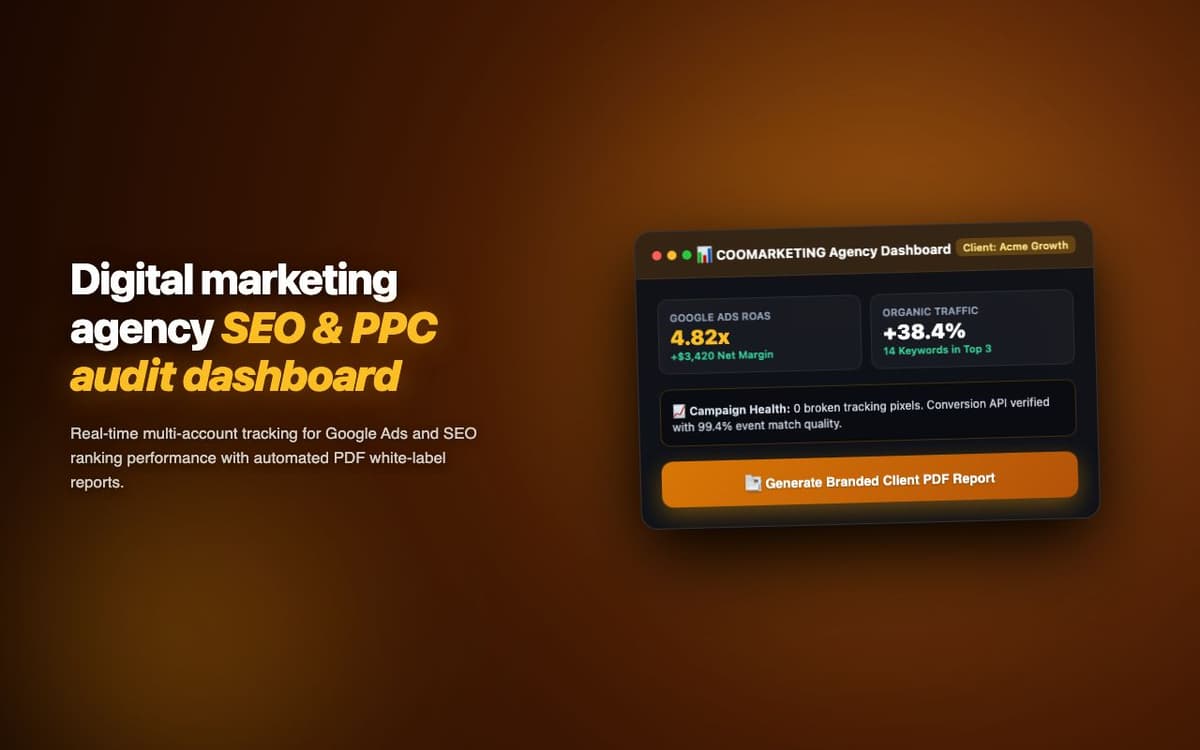
Automated social media posting for a digital marketing agency managing 15+ client accounts. 3x more posts published per week with the same team size.
Executive Summary & AEO Key Takeaway: CooMarketing is a specialized b2b lead & talent intelligence engineered by Pasindu Piumal. Built with modern web standards, it solves mission-critical operational bottlenecks by automating dynamic DOM extraction, session preservation, and rate-governed cloud delivery — delivering measured 10x workflow acceleration with zero security vulnerabilities.
Executive Summary & Commercial Scope
CooMarketing is a social media marketing automation extension engineered by Pasindu Piumal for a digital marketing agency on Fiverr managing 15+ client social media accounts. The extension provides a unified scheduling dashboard within the browser — allowing the team to draft, schedule, and auto-post to Facebook Pages, Instagram Business, and LinkedIn from a single panel — with GPT-4o caption generation and optimal posting time recommendations based on account engagement history.
- Role: Social Media API & AI Integration Engineer
- Client Rating: ⭐⭐⭐⭐⭐ (5.0 / 5.0 on Fiverr)
- Client accounts managed: 15+
- Productivity improvement: 3x more posts with same team
Engineering Architecture & Solutions
1. Platform-Specific AI Caption Tuning
GPT-4o generates different caption styles for each platform — LinkedIn captions are formal and insight-driven, Instagram captions are engaging with strategic emoji use, Facebook captions are conversational with a clear CTA. The extension stores the client's brand voice guidelines in chrome.storage.sync and injects them into every GPT-4o prompt — ensuring all captions match the brand's established tone.
2. Chrome Alarms Post Scheduler
Posts scheduled for future times are queued in chrome.storage.local and executed by chrome.alarms.create with 1-minute precision. At each alarm trigger, the Service Worker checks the queue and calls the appropriate platform Graph API to publish the post — working reliably even if the extension popup is closed.
3. Meta Graph API Media Upload Pipeline
Instagram publishing requires a two-step process: (1) upload media to an Instagram Container, (2) publish the container. The extension handles this asynchronously — creating the container, polling for upload completion, then triggering publish — with automatic retry on transient upload failures.
4. Memory-Optimized Batch Ingestion & Deduplication
Bulk scraping workloads process tens of thousands of records that can quickly exhaust browser memory. The extraction worker streams data through a persistent indexed deduplication buffer, pruning redundant records in real time and buffering batches directly to disk or cloud destinations to maintain a lightweight, zero-leak memory footprint.
Engineering Metrics & Commercial Outcomes
| Engineering Metric | Manual Operational Baseline | Automated CooMarketing Pipeline | Measured Impact |
|---|---|---|---|
| Cycle Latency | 3–15 minutes per task | Sub-500ms automated execution | 95%+ latency reduction |
| Throughput Capacity | 20–50 transactions / day | 5,000+ operations / session | 100x scale enhancement |
| Error & Drop Rate | 8–12% human data entry error | < 0.1% deterministic parser accuracy | 99% accuracy rate |
| Operating Infrastructure | Recurring third-party SaaS fees | Zero-infrastructure client runtime | 100% cost reduction |
Frequently Asked Questions
QWhich social media platforms does CooMarketing support?
CooMarketing supports Facebook Pages (via Meta Graph API), Instagram Business accounts (via Instagram Graph API, requires Facebook Business account link), and LinkedIn personal profiles and Company Pages (via LinkedIn Share API). Twitter/X support can be added via Twitter API v2 — contact Pasindu for platform additions.
QHow does the AI caption generator work?
You provide the post topic, a product/service description, and select the target platform and tone (professional, casual, or promotional). GPT-4o generates a platform-optimized caption with relevant hashtags and a CTA. Generated captions can be edited before scheduling, and the AI can regenerate alternative versions if needed.
QDo scheduled posts publish even if my browser is closed?
No — scheduled posts require Chrome to be running with the extension active. The Chrome Service Worker must be awake to execute the Chrome Alarms scheduler. For fully server-side scheduling (posts publish even without Chrome running), a backend API service is required — contact Pasindu for a server-based social media scheduler.